Packages & Pip 📦🚀🛠️
Install new superpowers! Use pip to add powerful packages and capabilities to your Python projects.
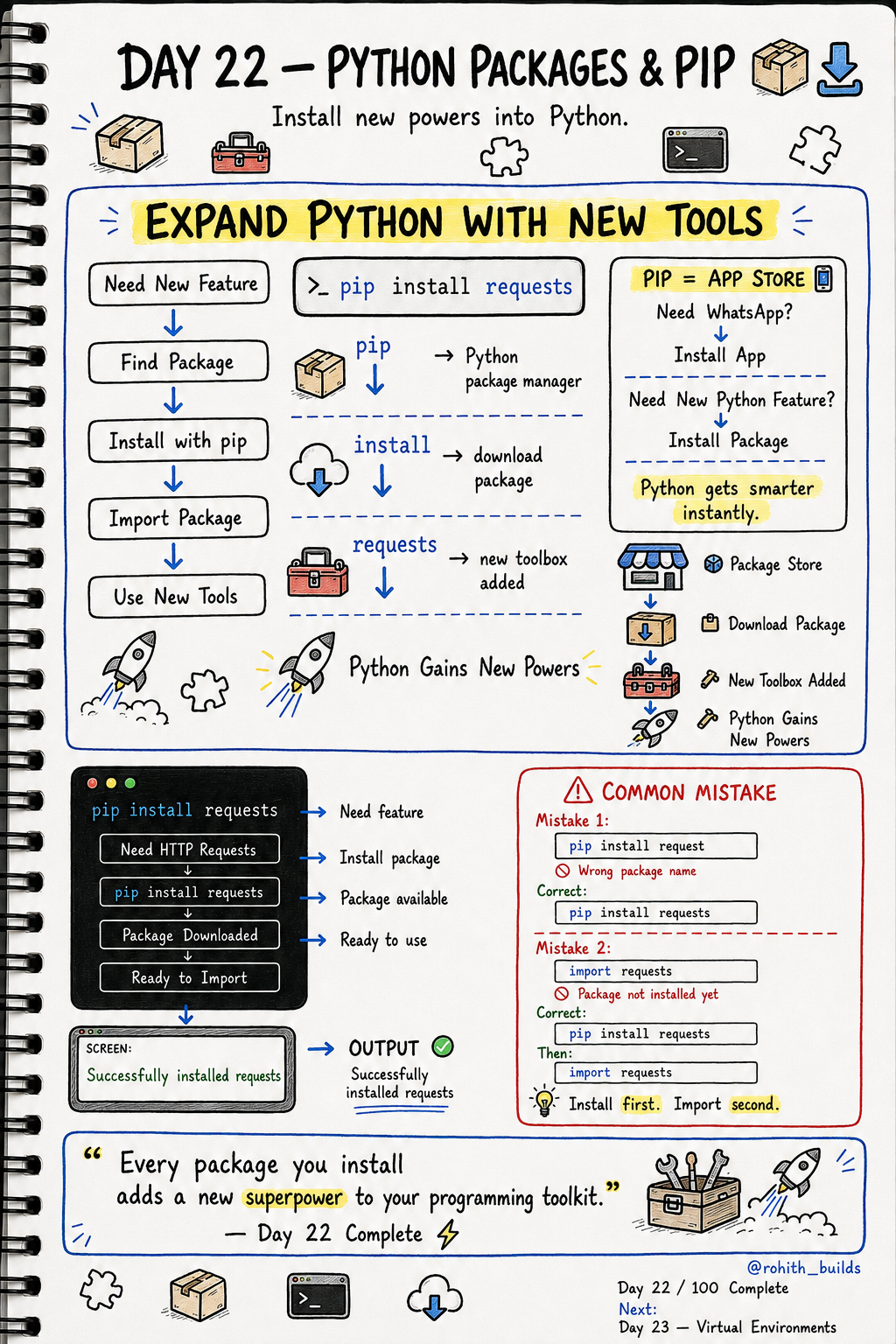
Day 22: Python Packages & Pip — Install New Superpowers!
What's Pip?
You know how you go to the Play Store to install WhatsApp? Pip is the Play Store for Python! Need to send emails? There's a package. Need to build websites? There's a package. Need AI features? There's a package. One command installs it and Python gains that superpower instantly!
Installing a Package
pip install requests
Type this in your terminal — not in Python code! pip downloads the package from the internet and installs it on your computer. One time install, use forever. Just like installing an app on your phone!
Using the Package After Installing
import requests

response = requests.get("[https://api.github.com](https://api.github.com)")
print(response.status_code)
First install with pip. Then import in your code. requests lets your Python talk to websites and APIs — this is how weather apps fetch weather data, how news apps load articles, how every app that connects to the internet works!
Popular Packages You'll Love
pip install requests     # talk to websites and APIs
pip install pandas       # analyse data like Excel
pip install flask        # build your own website
pip install pillow       # edit and process images
pip install numpy        # powerful math and numbers
These five packages are used by millions of developers worldwide. Instagram's image filters? Pillow. Netflix's recommendation data analysis? Pandas. Your college website backend? Flask. All installed with one pip command!
Common Mistakes
Mistake 1 — Wrong package name.
pip install request    # WRONG — it's "requests" with an s!
pip install requests   # CORRECT
Mistake 2 — Importing without installing first.
import requests   # WRONG if not installed yet — error!

# Do this first in terminal:

# pip install requests

# Then in your code:

import requests   # CORRECT
Mini Challenge
Mini Challenge
Open your terminal and run pip install requests. Then write a Python file that imports requests and prints requests.get("https://api.github.com").status_code. If you see 200 it means success — your Python just talked to the internet! You built a connection to the web in 2 lines!
Quick Quiz
Q: Where do you run pip install — in Python code or the terminal? A: Terminal! Not inside your Python file.
Q: What's the correct order — install or import first? A: Install first with pip, then import in your code. Always!
Q: Which package would you use to build your own website? A: Flask! pip install flask
Key Takeaways
Key Takeaways
- Pip is Python's App Store — install any package with one command.
- Run pip install in the terminal, not inside your Python code.
- Always install first, then import — never the other way around.
- Packages add superpowers — web requests, data analysis, image editing and more.
- Every professional Python developer uses pip daily!
Continue Learning with Rohi
You've used your 3 free Rohi questions. Create a free account to continue learning.